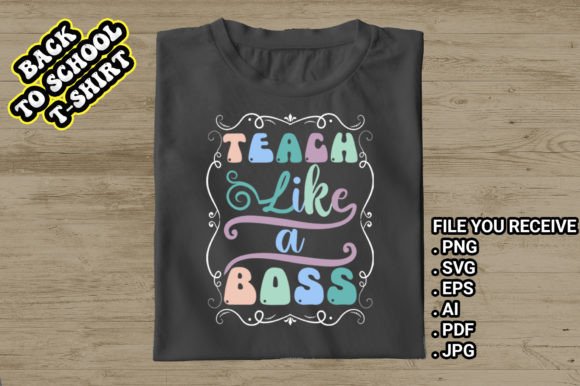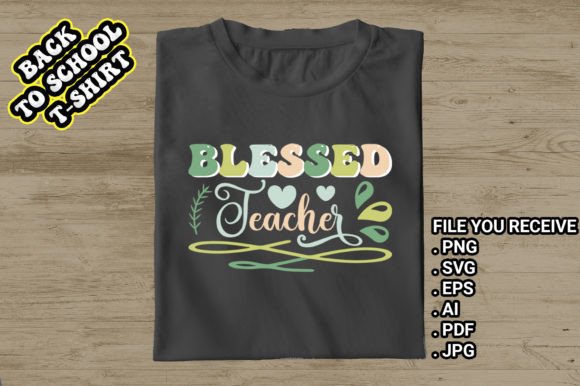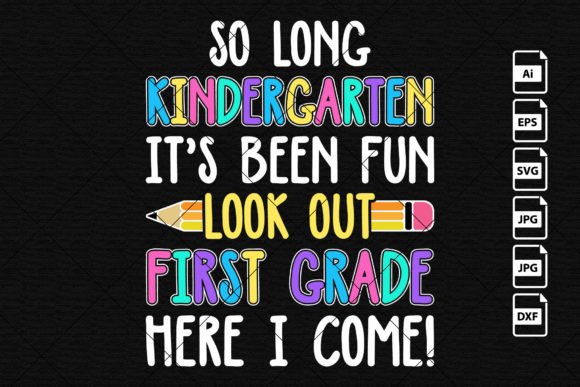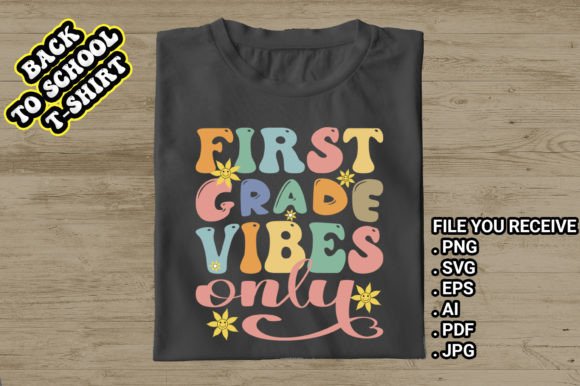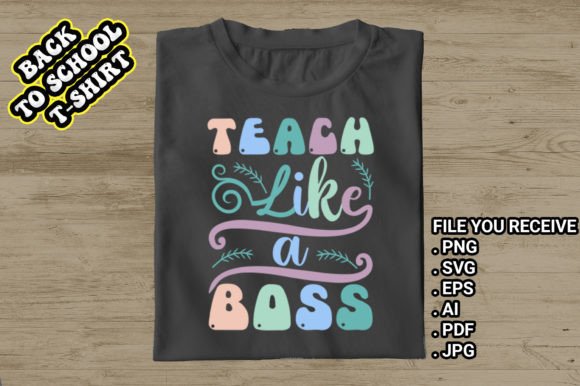
Teach Like a Boss Back to School
There’s a quiet confidence that comes with stepping into the classroom on the first day—whether you’re greeting kindergarteners with crayons in hand or guiding high schoolers through complex concepts. Teach Like a Boss Back to School isn’t just a slogan—it’s a mindset, a visual statement, and now, a versatile design toolkit built for educators who lead with clarity, warmth, and authority.
This collection delivers professionally crafted “Teach-Like-a-Boss” t-shirt designs optimized for real-world use—not just as apparel, but as adaptable creative assets. What sets it apart isn’t just the bold typography or retro-groovy aesthetic, but how thoughtfully each file is prepared: resolution, transparency, scalability, and cross-platform compatibility are all baked in from the start.
What You Actually Get (and Why It Matters)
When you download Teach Like a Boss Back to School, you receive six distinct file formats—PNG, SVG, PDF, JPG, AI, and EPS—each serving a specific purpose in your workflow:
- PNG: 12 × 12 inches at 300 DPI with transparent background—ideal for print-on-demand services, layered mockups, or digital presentations where clean edges matter.
- JPG: High-resolution, web-friendly version for quick sharing, social posts, or email newsletters—no transparency, but universally supported.
- SVG: Fully scalable vector format perfect for Cricut, Silhouette, or web animations—crisp at any size, lightweight, and editable in most modern design tools.
- PDF: Print-ready layout with embedded fonts and CMYK support—great for handing off to local printers or creating classroom handouts.
- AI & EPS: Industry-standard vector files for deep customization in Adobe Illustrator or legacy workflows—retain layers, paths, and text editability.
No guesswork. No last-minute conversions. Just plug-and-play assets that behave predictably across platforms—from Etsy storefronts to school spirit days.
Where These Designs Truly Shine
Teachers aren’t the only ones reaching for Teach Like a Boss Back to School. Designers, small business owners, and content creators use these files across surprisingly diverse contexts:
- Educational branding: A district communications team adds the logo to welcome banners, orientation slides, and staff appreciation cards—consistent tone, zero licensing friction.
- Print-on-demand shops: Sellers upload the SVG directly to Printful or Gelato, pair it with vintage tees or tote bags, and launch a seasonal “Back-to-School-Vibes” collection in under an hour.
- Classroom culture building: A 1st-grade teacher prints the design onto sticker sheets and hands them out as “First-Day-of-School Achievements”—students wear them proudly; parents snap photos for social media.
- Digital content creation: Bloggers overlay the PNG on Instagram carousels about classroom routines; podcasters use the SVG as a watermark in video intros.
- Small-batch merch for PTAs or school fundraisers: No minimum orders required—print 15 mugs, 8 pillowcases, and 22 t-shirts without overcommitting inventory.
The retro groovy styling—wavy lines, warm earth tones, subtle texture—adds personality without sacrificing professionalism. It works equally well for a “Hello Pre-K” welcome sign or a “Retro Teacher” mug sold at a local craft fair.
Practical Tips Before You Print or Share
Even great assets need smart execution. Here’s what experienced users do differently:
- Test transparency first: Open the PNG in your editing software and place it over a colored background. If edges look frayed or semi-transparent, double-check the layer settings—true transparency should show no halo or gray fringe.
- Use SVG for cut files—but simplify paths if needed: Some cutting machines struggle with overly complex vectors. In Illustrator, try Object > Path > Simplify before exporting for Cricut.
- For screen printing or DTG, stick with PNG or PDF: They preserve color fidelity better than SVG in many RIP software setups—especially when using spot colors or Pantone matches.
- Don’t stretch the JPG: It’s high-res, but raster-based. Enlarging beyond 12 × 12 inches will pixelate. Use SVG or AI instead for oversized banners.
And yes—contact support if something feels off. A missing font in the AI file? An SVG that won’t ungroup? Real humans review those messages. That responsiveness matters when you’re finalizing a PTA order two days before open house.
More Than a T-Shirt Design—It’s a Communication Tool
At its core, Teach Like a Boss Back to School bridges intention and expression. It says “I take this seriously—and I bring joy to it” without needing a paragraph of explanation. That efficiency is rare. In a world saturated with clipart and generic quotes, this design carries weight because it’s both stylistically intentional and functionally flexible.
It also respects your time. You’re not stitching together fonts, adjusting kerning, or hunting for matching color palettes. The hierarchy, spacing, and contrast are already balanced—so whether you’re a kindergarten teacher prepping name tags or a freelance designer building a client’s back-to-school campaign, you’re starting from strength, not scratch.
That’s why educators keep coming back—not just for the wavy retro t-shirt vibe, but because every file serves a role, every format solves a problem, and nothing requires unnecessary workarounds. It’s not flashy. It’s reliable. And in education—and creative entrepreneurship—that reliability is everything.