Retro Back to School Svg Bundle Vol 1
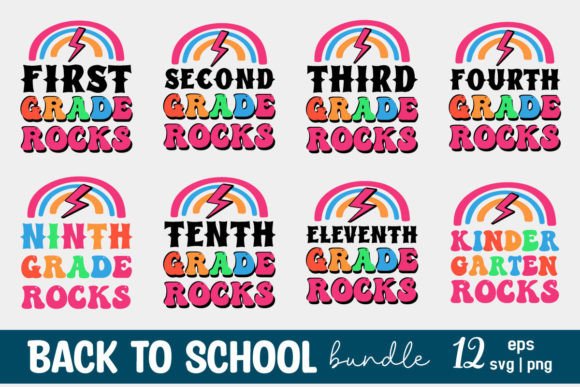
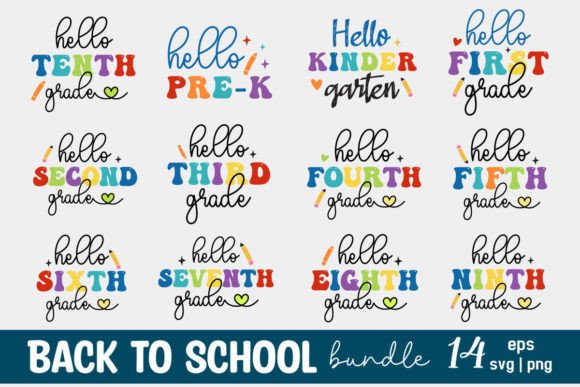
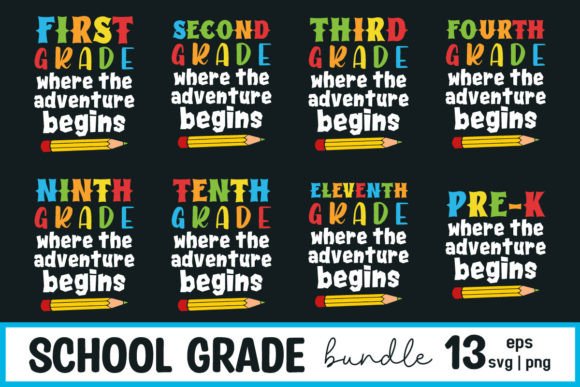
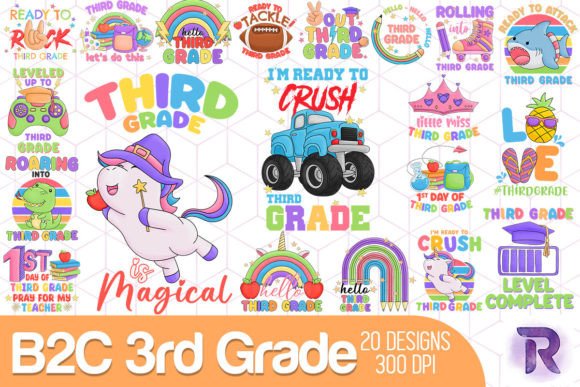
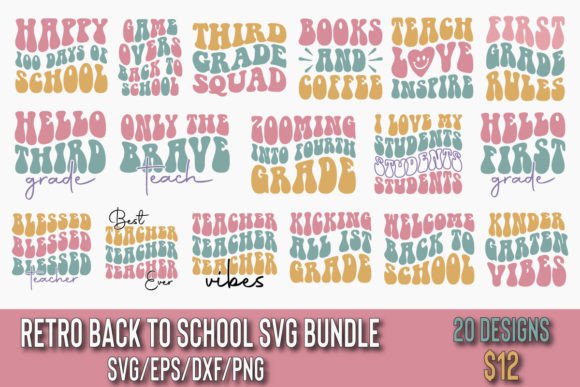
If you're designing classroom decor, launching a back-to-school merch line, or crafting personalized teacher gifts, the Retro Back to School Svg Bundle Vol 1 is more than just a collection—it’s a time-saving toolkit built for real-world use. With 20 unique retro-themed designs (think bold typography, vintage school badges, chalkboard motifs, and 80s-inspired color palettes), this bundle delivers consistent quality across four essential file formats: SVG, EPS, DXF, and PNG—each provided in sets of 20. That means you’re not just getting one version of a design—you’re getting production-ready files tailored for different tools and purposes.
Why format variety matters—and where people get tripped up
Many users assume “SVG” covers all their needs—and that’s where things go sideways. SVG works beautifully in Cricut Design Space and Silhouette Studio, but if you’re preparing files for vector-based print shops, embroidery digitizing software, or laser cutting workflows, EPS or DXF often perform better. PNGs? They’re perfect for web banners, social media posts, or printable PDFs—but only if they’re high-resolution and transparent-background. The Retro Back to School Svg Bundle Vol 1 includes all four formats intentionally, not as filler. Yet some buyers download only the SVGs, skip checking DPI on PNGs, or try to scale EPS files without opening them in Illustrator first—leading to blurry prints, misaligned cuts, or rejected vendor uploads.
Here’s a realistic example: A small business owner ordered custom vinyl decals using a PNG from the bundle, assuming “it looks sharp on screen.” But because she didn’t verify the PNG was exported at 300 DPI (it wasn’t—she used the default 72 DPI web version), her printed decals appeared pixelated at 8 inches wide. The fix? She re-downloaded the included 300 DPI PNG variant and confirmed dimensions in Photoshop before sending to the printer. No extra cost. Just one extra minute of checking.
Don’t overlook licensing—and why it affects your freedom
The Retro Back to School Svg Bundle Vol 1 comes with a standard commercial license, meaning you can use these files to create physical products (tote bags, mugs, t-shirts) or digital resources (printable planners, Canva templates) for sale. But it does not allow resale of the raw files themselves—or claiming authorship. Some educators mistakenly upload SVGs directly to free teacher resource sites, thinking “it’s for education.” That violates the license and risks removal or takedown notices. Others assume “commercial use” means unlimited distribution—only to find out later that mass redistribution (e.g., bundling these SVGs into a paid course library without modification) isn’t permitted.
Better approach: Use the files to make something new. Turn the “Retro ABC Chart” design into a laminated classroom poster, add your own font pairings and color tweaks, then sell it as a finished product. Or combine the “Vintage Bookworm Badge” with original illustrations to build a cohesive back-to-school kit. That’s how you stay compliant while building value.
File organization isn’t optional—it’s efficiency insurance
This bundle contains 80 total files (20 × 4 formats). Without clear naming and folder structure, it’s easy to waste minutes—or hours—searching for the right version of “Chalkboard Apple” when deadlines loom. We’ve seen creators open every SVG individually just to preview style, or rename files inconsistently (“apple_v1.svg”, “retro_apple_FINAL.svg”, “apple-eps-version.eps”)—which breaks batch imports and confuses team collaborators.
The bundle uses logical, consistent naming: retro_apple_svg.svg, retro_apple_eps.eps, retro_apple_dxf.dxf, retro_apple_png_300dpi.png. Keep that system intact. Create two top-level folders: Vector Files (for SVG/EPS/DXF) and Raster Files (for PNGs)—then sort by use case if needed (e.g., Cutting Files, Print Files). It takes under two minutes to set up—and saves dozens over time.
Compatibility checks you shouldn’t skip—even if your software says it “supports SVG”
Not all SVGs behave the same. Some contain embedded fonts (which won’t render if the recipient doesn’t have that font installed), others use advanced filters or gradients unsupported in older versions of Silhouette Studio. The Retro Back to School Svg Bundle Vol 1 uses outlined text and flat vector paths—so no font dependencies—but you still need to test before committing.
Quick verification steps:
- Open an SVG in your cutting software and check if layers appear cleanly (no missing strokes or collapsed groups).
- In Illustrator or Inkscape, confirm all objects are ungrouped and editable—not flattened raster layers masquerading as vectors.
- Import a DXF into LightBurn or RDWorks and verify line weights translate correctly (some bundles export hairline strokes that vanish in laser software).
If something looks off, try the EPS version instead—it’s more universally stable for professional output.
What to verify before downloading—and why it prevents frustration
Before finalizing your purchase or download, scan the product page for three quiet-but-critical details:
- Version notes: Does it say “updated for Cricut Access compatibility” or “tested with Silhouette Studio V5.5+”? If not, search reviews or ask the seller. Outdated bundles sometimes lack proper layer grouping or use deprecated SVG syntax.
- Color mode clarity: Are PNGs labeled RGB or CMYK? For screen use (social graphics, websites), RGB is correct. For professional offset printing, you’ll want CMYK-ready EPS or PDF exports—which this bundle doesn’t include. Know that upfront so you don’t delay a print job waiting for a file type that isn’t there.
- Preview fidelity: Zoom in on thumbnail previews. Do edges look crisp? Are shadows or textures rendered as vectors—or low-res raster overlays? The Retro Back to School Svg Bundle Vol 1 uses clean vector construction throughout, so previews should reflect that precision at any zoom level.
None of these checks require technical expertise—just 60 seconds of attention. And they prevent the most common post-purchase letdown: “I thought this would work right away.”
You’re not buying files—you’re buying flexibility
What makes the Retro Back to School Svg Bundle Vol 1 stand out isn’t just the nostalgic aesthetic—it’s how thoughtfully each file serves a distinct role in your creative workflow. Whether you’re a freelance designer prepping client mockups, a homeschool parent personalizing lesson plans, or a boutique owner stocking seasonal inventory, having reliable, well-structured, license-conscious assets means less troubleshooting and more making.
So before you click download: name your folders, check your DPI, test one file in your primary tool, and read the license once—not just the headline. That small discipline turns a simple bundle into a long-term asset—one that grows more useful the more you use it.